Publish the API
Once you have created all required parts ofthe
API, you can publish the API by clicking on:
 button. This will open a dialog that shows thepaths to be published and the
visibility scope of the API after it ispublished.
button. This will open a dialog that shows thepaths to be published and the
visibility scope of the API after it ispublished.
View published API
Once the API is published, you can go to
APICollaborator and view the API documentation.
From the login dashboard, select
“APICollaborator”:
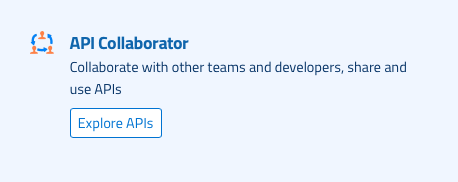
You will be taken to API Collaborator
searchscreen where you can search published APIs.
Click on the box with the API you are
lookingfor. The screen shows the documentation of the API. You can click on project to
viewthe documentation related to project, path to view the documentation of the path
orendpoint and on the method to view the documentation of the method.
The method documentation also has option
totest the API on the right panel and example client code in various
programminglanguages to call this API method.